Share the link with your audience
Attendees follow your event from any phone or laptop — no Vox101 account, no app install.
Get the spectator link
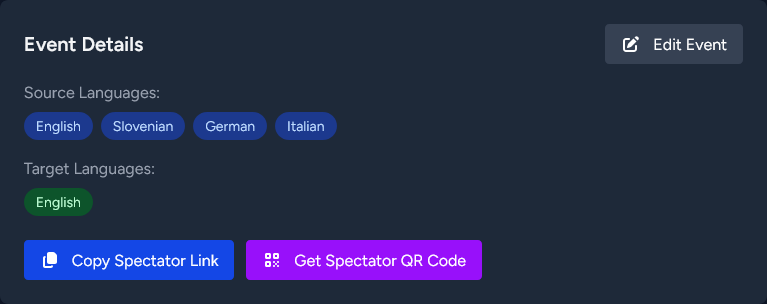
The event detail page gives you two ways to share:
- Copy Spectator Link — copies the spectator URL to your clipboard, ready to paste anywhere.
- Get Spectator QR Code — opens the QR code in a modal, with Download SVG and Download PNG buttons for use in print or slides.
How to share it
- Paste the link into your event email, programme, or chat channel.
- Show the QR code on a slide or printed sign so attendees scan it with their phone camera — download the SVG for print, the PNG for slides.
- Embed the link on your event website if you want it in-page.
What attendees see
Opening the link drops them into the live spectator view. They can:
- Pick which target language to follow.
- Toggle listen to hear the translation spoken aloud (text to speech) in their chosen language.
- Adjust font size and dark mode.
Until you start the session on the day, the spectator page shows a "not yet live" state. Once you start, captions appear within seconds.
tip
Send the link a day or two ahead so attendees can bookmark it. It stays valid for the lifetime of the event.